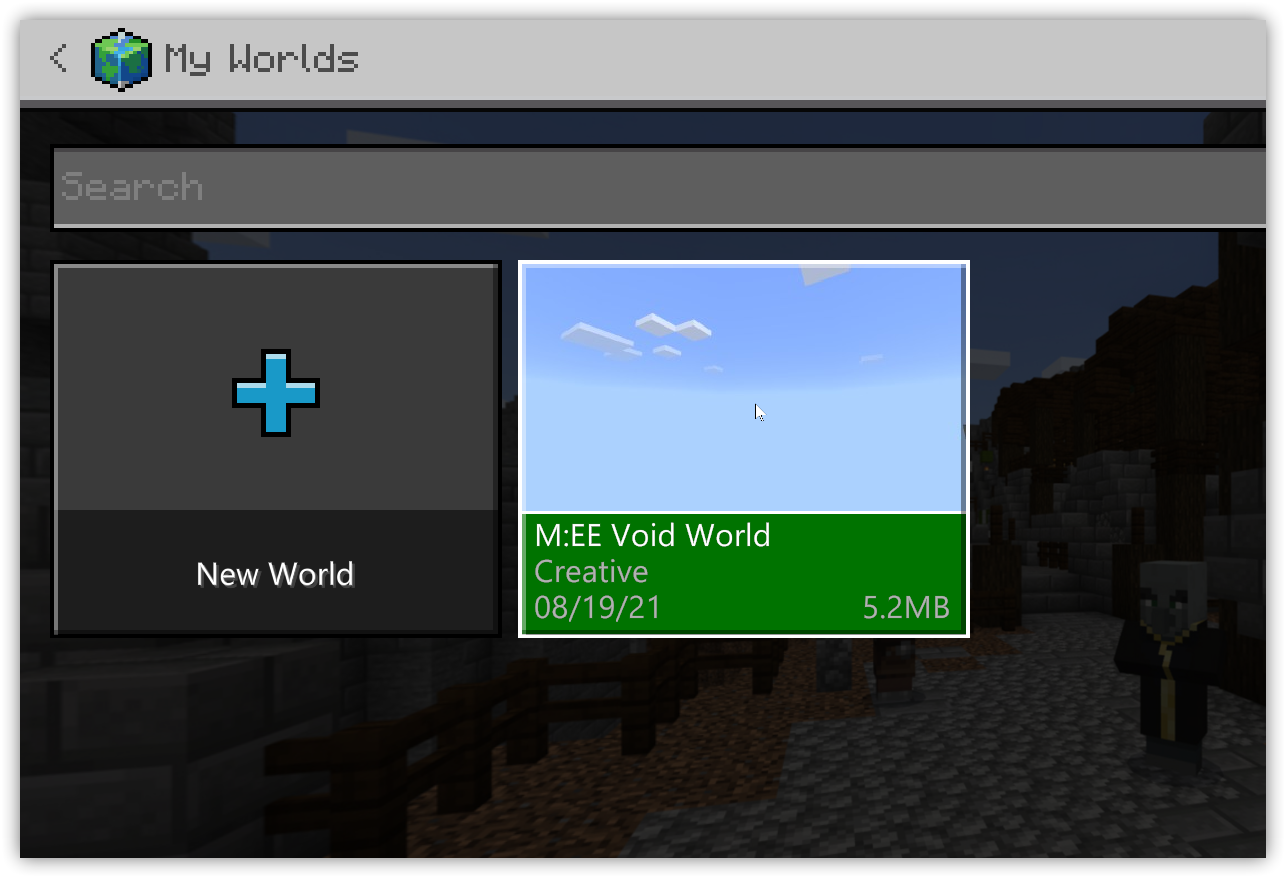
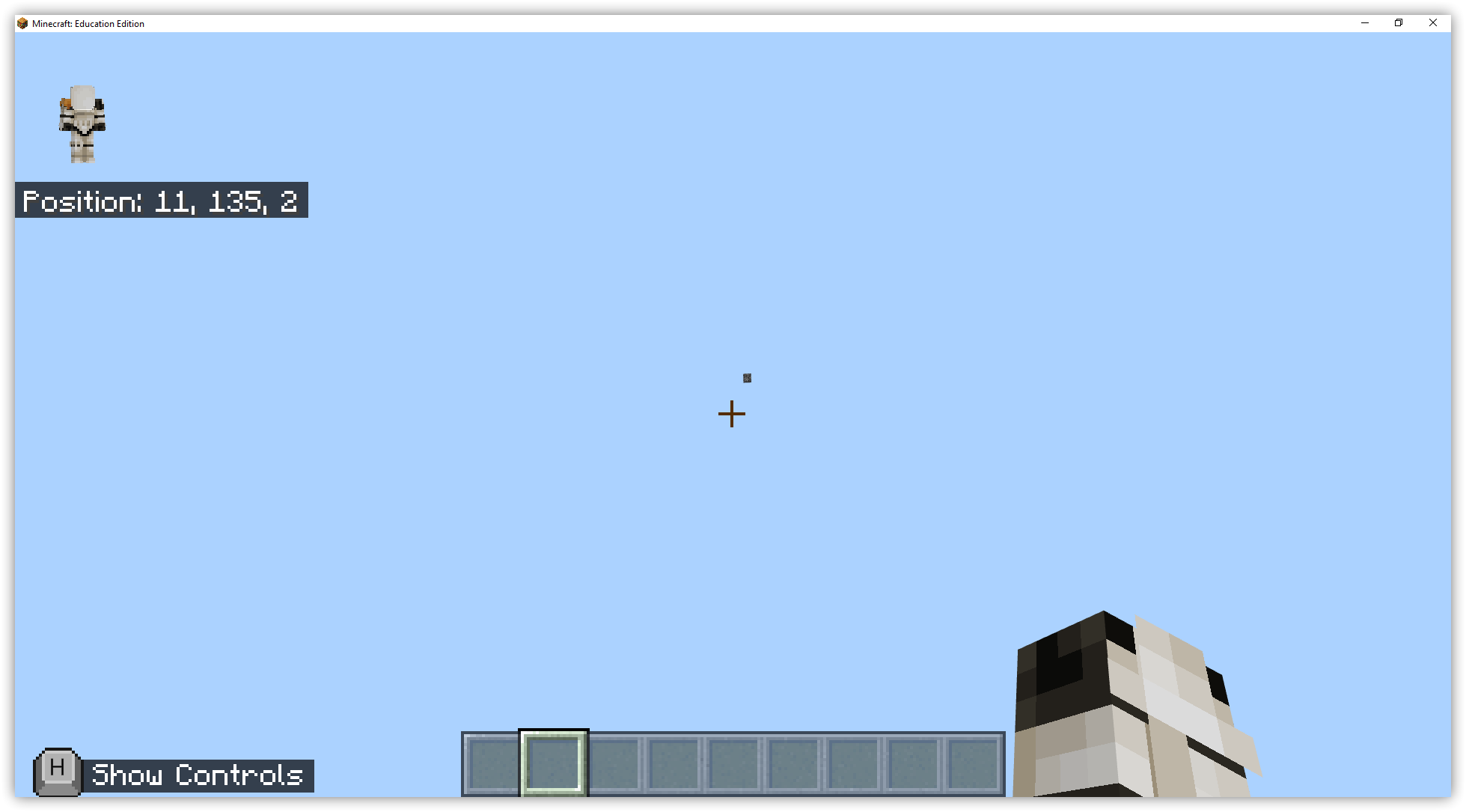
Hey if you’re looking for a Void World to use in Minecraft: Education Edition you can download one from here:
How to Import a Void World into Minecraft: Education Edition
1 – Download the Void World mcworld file and save on your computer
Download Void World for Minecraft: Education Edition
2 – Open Minecraft: Education Edition and Click Play
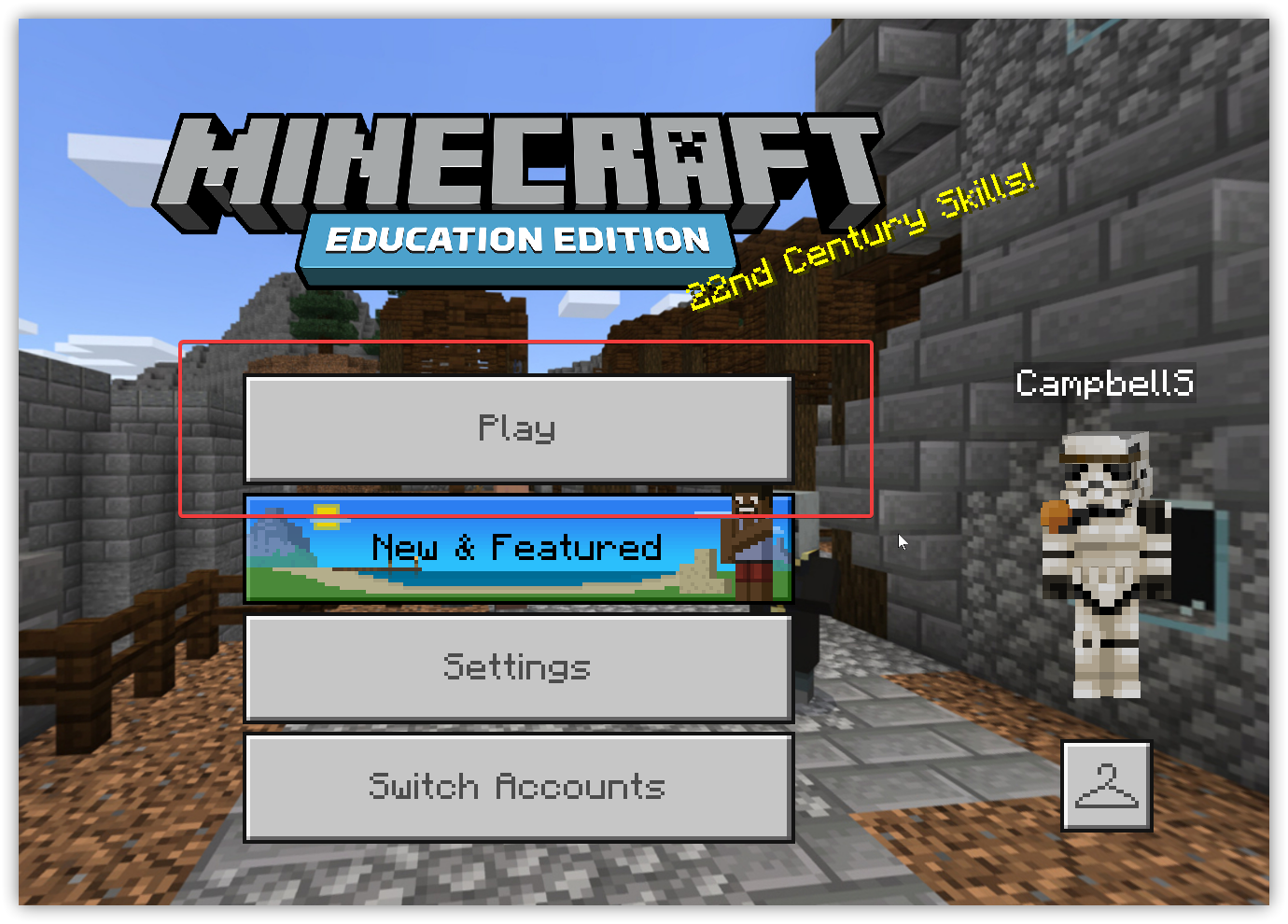
3 – Click the Import button and browse your device, select the downloaded Void World, click OK
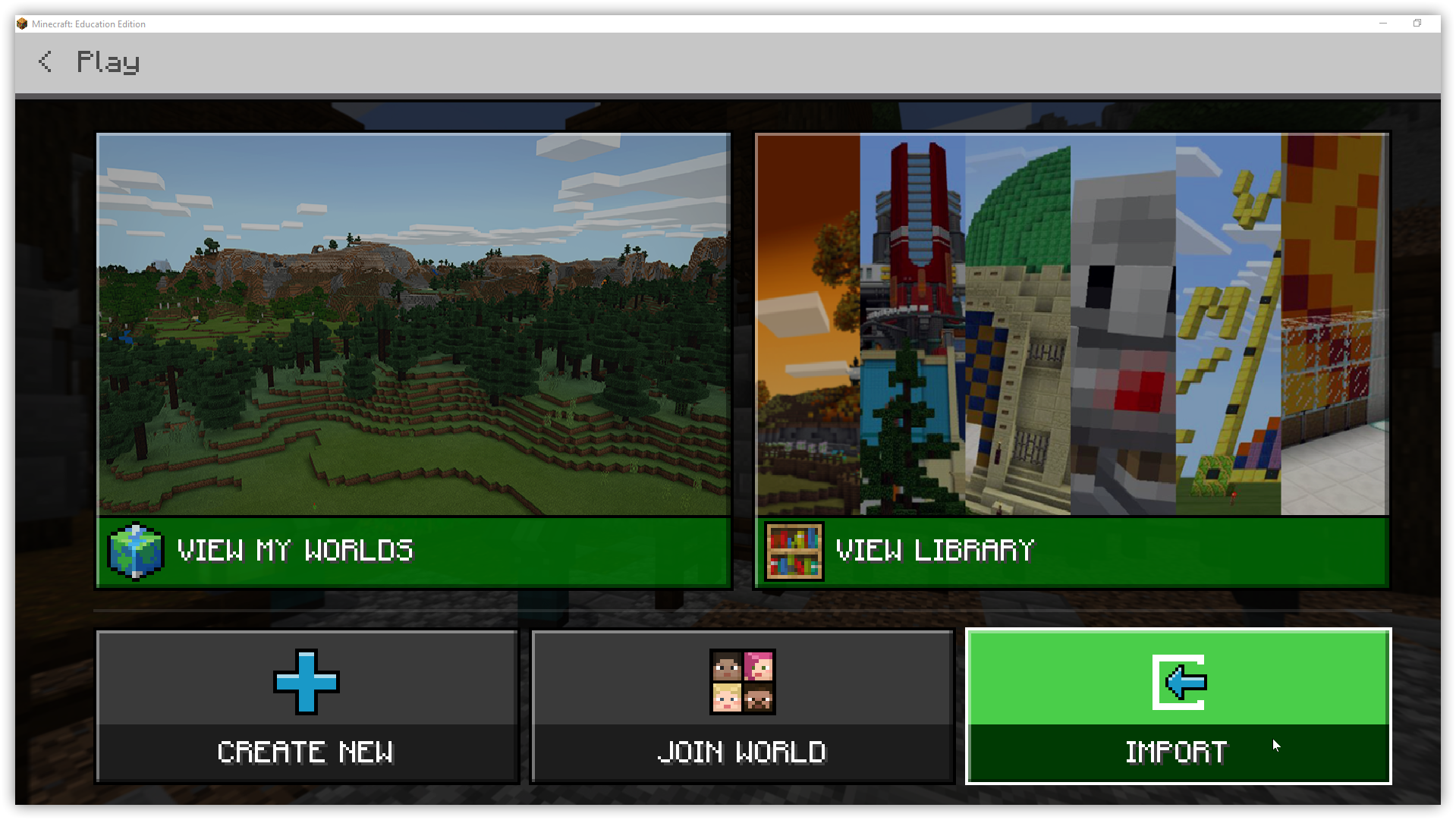
4 – Click View My Worlds to open the Minecraft: Education Edition Void World in Minecraft: Education Edition